Just say it. From ad to marketing, handled.
Planning, shoot-free production, posting and measuring. One line, and sceny carries it through.
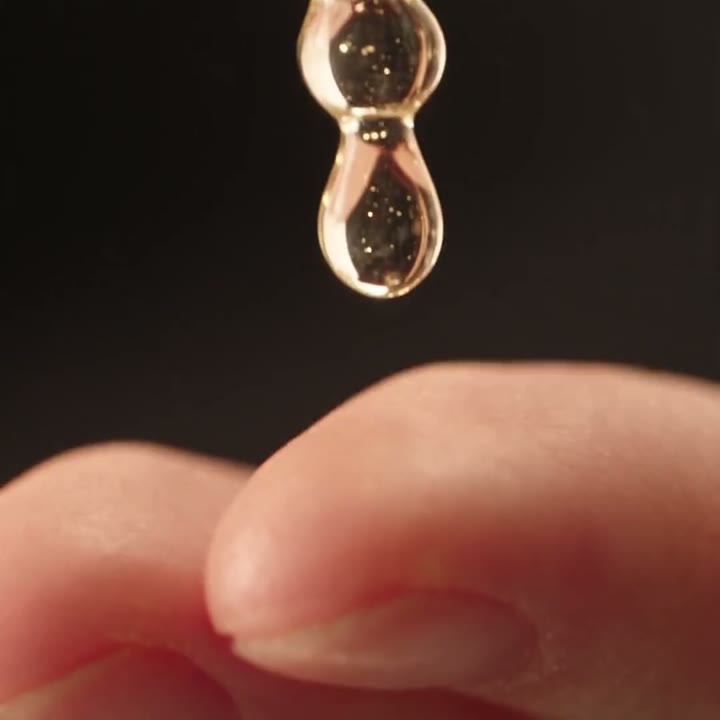
Ready-made for ads
Not just a video — an ad. Catchy lines, scene timing and the right size for each channel, all set.
See how it works →02 · Actor IPYour own character, consistent in every video
Cast proven actors without booking, or create your brand's own model. The face stays the same in every scene.
See the actors →03 · RecipeEasy, even the first time
Just pick your material and the scenes fill themselves in. A 15-second ad, done in a few clicks.
See recipes →04 · AutomationPosted and tracked for you
We post to your social channels, run the ad and check the response. What worked shapes your next video.
See automation →01 · Ad Tool
A tool built for ads, from the ground up.
From plan to scene review to finished video, in one conversation. Only the scenes you like get made, and you see the credits before anything is made.
Chat
Write the ad you want in your own words.
Plan
Ad copy and a scene-by-scene outline come back as a plan.
Review
Approve each scene or say what to change.
Finish
Pick the screen sizes you need and get them all at once.
02 · Actor IP
Ads that start with a proven face.
sceny actors have already proven themselves across several videos. Pick one and casting is done — the same person in every scene.
Browse
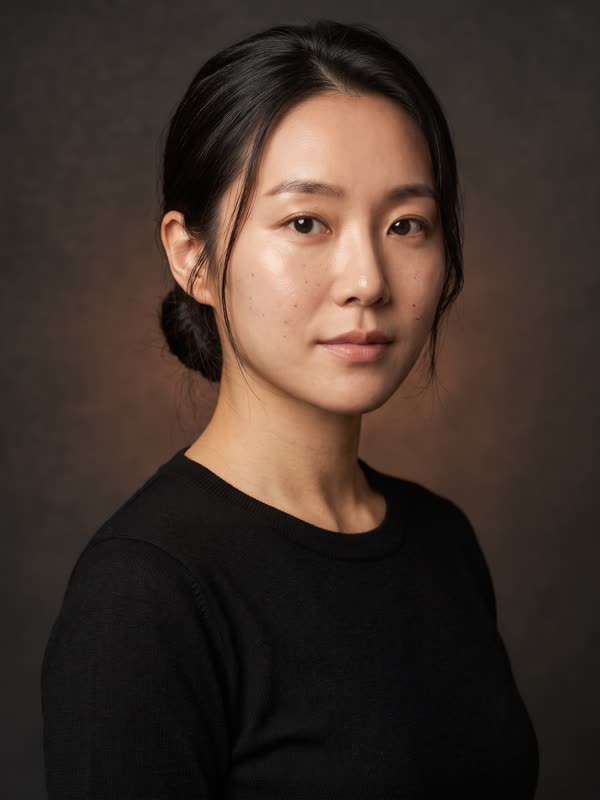 Profile
Cast
- Ad
- Serum launch 15s · 9:16
- Role
- Lead model
- Look
- Profile
- Scenes
- 6 of 6
Once cast, every scene keeps the same face.
No model booking or scheduling — picking an actor is all it takes.
Face, wardrobe and tone are locked so scenes never drift.
Watch videos each actor has starred in and check they suit your brand first.
03 · Recipe
15-second recipes that fill themselves in.
Pick your business type and the scene order that works for it is set. Add a video you like and we make a new one with the same flow.
Worry
Bring up the worry people keep to themselves
04 · Marketing Automation
Make, post, measure, make again.
sceny posts the finished video with the right size and copy for each channel and runs it as an ad. As results build up, it sums up what worked and proposes the next video — approve it and production starts.
- 01
Make
Make an ad video with an actor and a recipe. Versions for each screen size come with it.
- 02
Post · Advertise
Post with the right size, copy and hashtags for each channel, then run it as an ad with a budget and period.
- 03
Measure
Compare views, clicks, purchases and cost for each video on one screen — down to which scene worked.
- 04
Make again
Keeps the openings and scenes that worked and proposes the next video. Approve it and you are back at 01.
↺ From 04 back to 01 — ads that keep getting better instead of ending
| Video | Channel | Ad spend | Views | CTR | Status |
|---|---|---|---|---|---|
| v1 · Mood | TikTok | ₩120,000 | 41K | 1.9% | Ended |
| v2 · Close-up opening | ₩150,000 | 63K | 3.4% | Running | |
| v2 · Close-up opening | YouTube | ₩90,000 | 24K | 2.7% | Running |
| v3 · Proposal | — | — | — | — | To be made |
Screen layout draft. Figures and brands in the table are examples.
Make it with one line, remake it with results.
Your next ad starts from one line and improves on the results of the last.